You’ve captured stunning moments on your trip, but what if your photos suddenly disappear? Losing your travel memories can be heartbreaking.
That’s why having a solid backup plan is not just smart—it’s essential. You’ll discover simple, effective travel photography backup tips that keep your images safe no matter where you are. Keep reading to protect your shots and enjoy your adventures without the fear of losing your precious memories.
Choosing The Right Backup Devices
Choosing the right backup devices is crucial for protecting travel photos. Photographers need reliable storage that fits their travel style. Devices must be easy to carry and fast to use. They should keep photos safe from loss or damage. Understanding different backup devices helps pick the best option.
External Hard Drives
External hard drives offer large storage space at a low cost. They connect easily to laptops and cameras. These drives are ideal for backing up many photos quickly. They are heavier and less durable than other devices. Carry them carefully to avoid damage during travel.
Portable Ssds
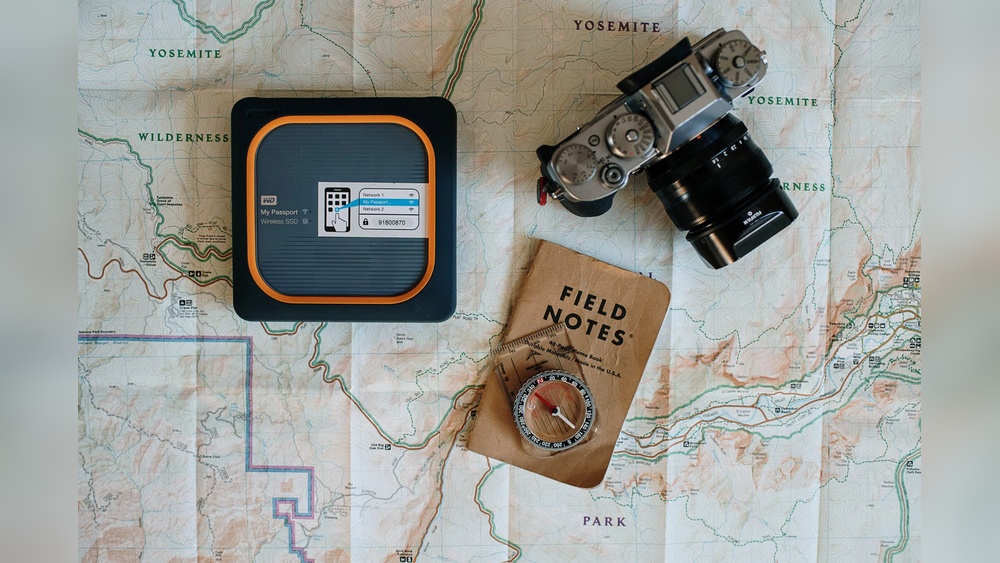
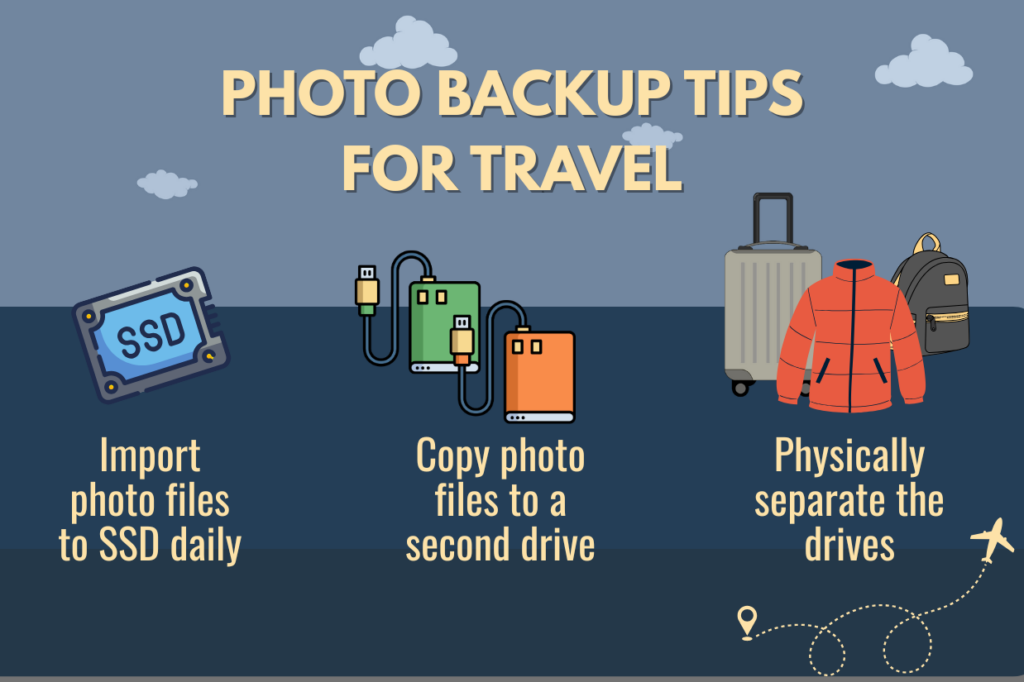
Portable SSDs are faster and more durable than hard drives. They have no moving parts, reducing the risk of failure. These devices are compact and lightweight, perfect for travelers. SSDs usually cost more but provide better speed and safety. They work well for photographers needing quick backups on the go.
Memory Cards And Usb Drives
Memory cards are essential for storing photos directly from cameras. Carry extra cards to avoid running out of space. USB drives are small and easy to carry in pockets. Both offer convenient backup options but have limited storage size. Use them for short trips or quick photo transfers.
Cloud Storage Solutions
Cloud storage solutions offer a smart way to back up travel photos. These services store your images online, keeping them safe from loss or damage. You can access your photos from any device with internet access. This method saves space on your camera or phone. It also helps organize your pictures in one place. Cloud storage reduces stress during travel by securing your valuable memories.
Popular Cloud Services
Several cloud services are popular among travelers. Google Drive offers free storage with easy sharing options. Dropbox is known for simple file syncing and backup. Apple iCloud works well for iPhone and Mac users. Microsoft OneDrive integrates smoothly with Windows devices. Each service has free and paid plans based on storage needs.
Offline Access And Syncing
Some cloud services allow offline access to your photos. This feature helps when internet is unavailable. You can sync selected files to your device in advance. Changes made offline will update once you reconnect. This ensures your photos stay updated without constant internet. It’s a useful feature during remote travel or flights.
Security And Encryption
Security is vital for protecting your travel photos. Most cloud providers use encryption to keep data safe. Encryption scrambles files so only you can read them. Two-factor authentication adds an extra security layer. Strong passwords prevent unauthorized access. Always choose services with reliable security features for peace of mind.
Organizing Your Photos On The Go
Organizing photos while traveling helps save time and prevents loss. It keeps your images easy to find and use later. Simple steps can keep your photo library neat on the go.
Start organizing right after you back up your photos. This habit stops clutter and confusion. Clear systems let you focus on capturing moments instead of sorting files later.
File Naming Conventions
Name files clearly and consistently. Use dates and place names in file names. Example: “2024-06-15_Paris_Eiffel.jpg” works well.
Short names with important details help find photos fast. Avoid spaces and special characters. Use underscores or dashes instead.
Folder Structures
Create folders by trip or location. Inside, add subfolders for days or events. For example, “Paris_2024/Day_1” or “Paris_2024/Museums.”
This system keeps photos grouped and easy to browse. It also makes backup copies more organized and safer.
Tagging And Metadata
Use tags or keywords to label photos. Tags like “beach,” “sunset,” or “family” add search power. Metadata stores details like camera settings or locations.
Many phones and cameras add metadata automatically. Edit tags on your phone or computer to improve sorting. Organized tags save time when editing or sharing photos.
Credit: chrissydonadi.com
Automating Backups During Travel
Traveling with a camera means capturing many memories. Losing photos is a big risk. Automating backups helps keep images safe without extra work. It saves time and stress. Setting up automatic backups ensures photos are stored regularly. This process works quietly in the background. You get peace of mind and more time to enjoy your trip.
Backup Software Options
Several backup programs work well for travelers. Some are free, others paid. Look for software that works on your devices. It should support external drives or cloud storage. Popular choices include Google Backup and Sync, Microsoft OneDrive, and Dropbox. These tools can copy photos automatically. Choose one that fits your needs and internet access.
Scheduling Backups
Set backup times to avoid interruptions. Night or early morning works well. Schedule daily or weekly backups based on photo volume. Automatic backups prevent forgetting to save files. Most software allows easy setup of backup frequency. Regular backups reduce the chance of losing data. Adjust timing to match your travel routine and connectivity.
Handling Large Photo Libraries
Big photo collections need more space and time. Use external hard drives or high-capacity cloud plans. Organize files into folders by date or location. Backup only new photos to save storage and time. Some software supports incremental backups for this. Managing large libraries keeps backups efficient and fast. Plan storage solutions before your trip to avoid issues.
Preventing Data Loss Risks
Travel photography is exciting but risky for your data. Photos can be lost due to many reasons. Protecting your images means planning ahead. Simple steps help avoid big problems. Focus on preventing data loss risks to keep your memories safe.
Protecting Devices From Physical Damage
Carry your camera and devices in padded bags. Use protective cases to shield from drops and bumps. Avoid placing devices in extreme heat or cold. Keep equipment away from water or sand. Handle devices gently during travel and shooting.
Avoiding Theft And Loss
Keep your camera close in crowded places. Use straps or secure bags to prevent drops. Never leave devices unattended in public areas. Store backups in different locations for safety. Always have a plan to track or locate lost gear.
Dealing With Corrupted Files
Backup photos frequently on multiple devices. Use reliable memory cards from trusted brands. Avoid removing cards while devices are writing data. Test your cards before trips for errors. Use software to recover files if corruption happens.
Best Practices For Multiple Backup Copies
Backing up your travel photos is crucial. It protects your memories from loss or damage. Using multiple backup copies increases safety. It ensures your images stay safe no matter what happens. Follow best practices to keep your photos secure.
The 3-2-1 Backup Rule
Keep three copies of your photos. Store them on two different types of storage. One copy should be offsite, away from your main location. This method reduces risk from theft, damage, or failure. It is simple and effective for travel photographers.
Storing Backups Separately
Never keep all backups in one place. Use different physical locations for each copy. For example, one at your home, another in a safe deposit box. This protects against fire, theft, or natural disasters. Separate storage is key to strong photo security.
Regular Backup Checks
Check your backups often. Make sure files are complete and not corrupted. Test restoring files from backups to confirm they work. Update backups after each shoot or trip. Regular checks keep your photo archive safe and reliable.
Frequently Asked Questions
How Can I Safely Back Up Photos During Travel?
Use multiple backup methods like external drives and cloud storage. Save photos daily to avoid data loss. Keep backup devices separate from your camera gear.
What Are The Best Devices For Travel Photo Backup?
Portable SSDs are fast and compact for travel backups. USB flash drives offer easy, lightweight storage options. Cloud services provide remote access and extra security.
How Often Should I Back Up My Travel Photos?
Backing up photos daily is a good habit. Frequent backups reduce risk of losing important images. Backup right after shooting to keep files safe.
Conclusion
Backing up travel photos keeps memories safe and stress low. Use multiple backup methods to avoid data loss. Carry extra storage devices and upload files regularly. Keep backups organized and easy to find. Protect photos from damage or theft during trips.
Remember, simple habits prevent big problems later. Enjoy capturing moments, knowing your photos are secure. Safe backups mean you can share your adventures anytime. Stay prepared, and your travel memories will last forever.