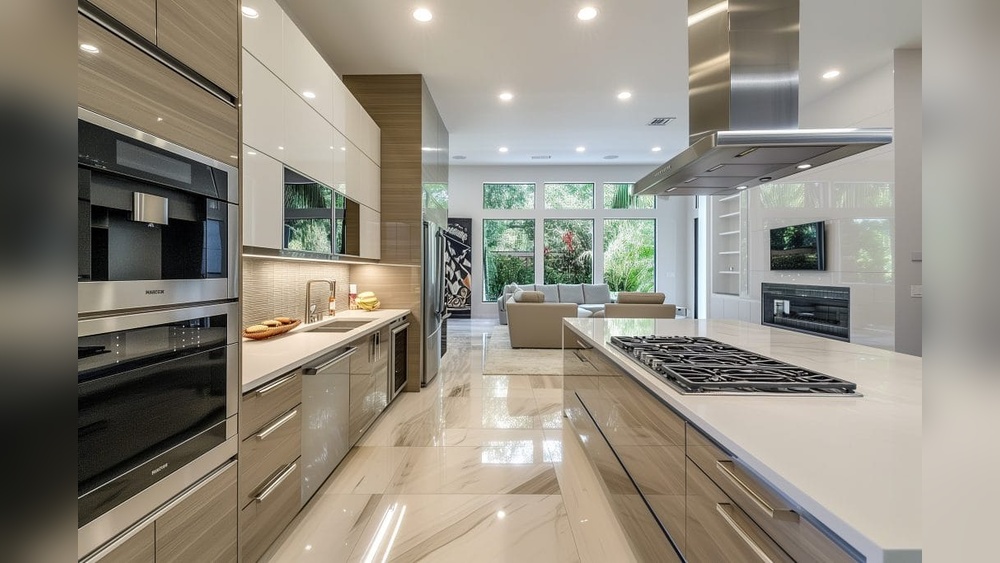
Imagine walking into your kitchen where everything works just the way you want—lights adjust automatically, appliances talk to each other, and cooking becomes simpler and more fun. You don’t need to be a tech expert or spend a fortune to make this happen.
If you’ve ever wished your kitchen could do more for you, this guide is exactly what you need. By the end, you’ll know how to start a smart kitchen setup that fits your lifestyle and makes daily tasks easier. Ready to transform your kitchen into a smart, efficient space?
Let’s dive in.
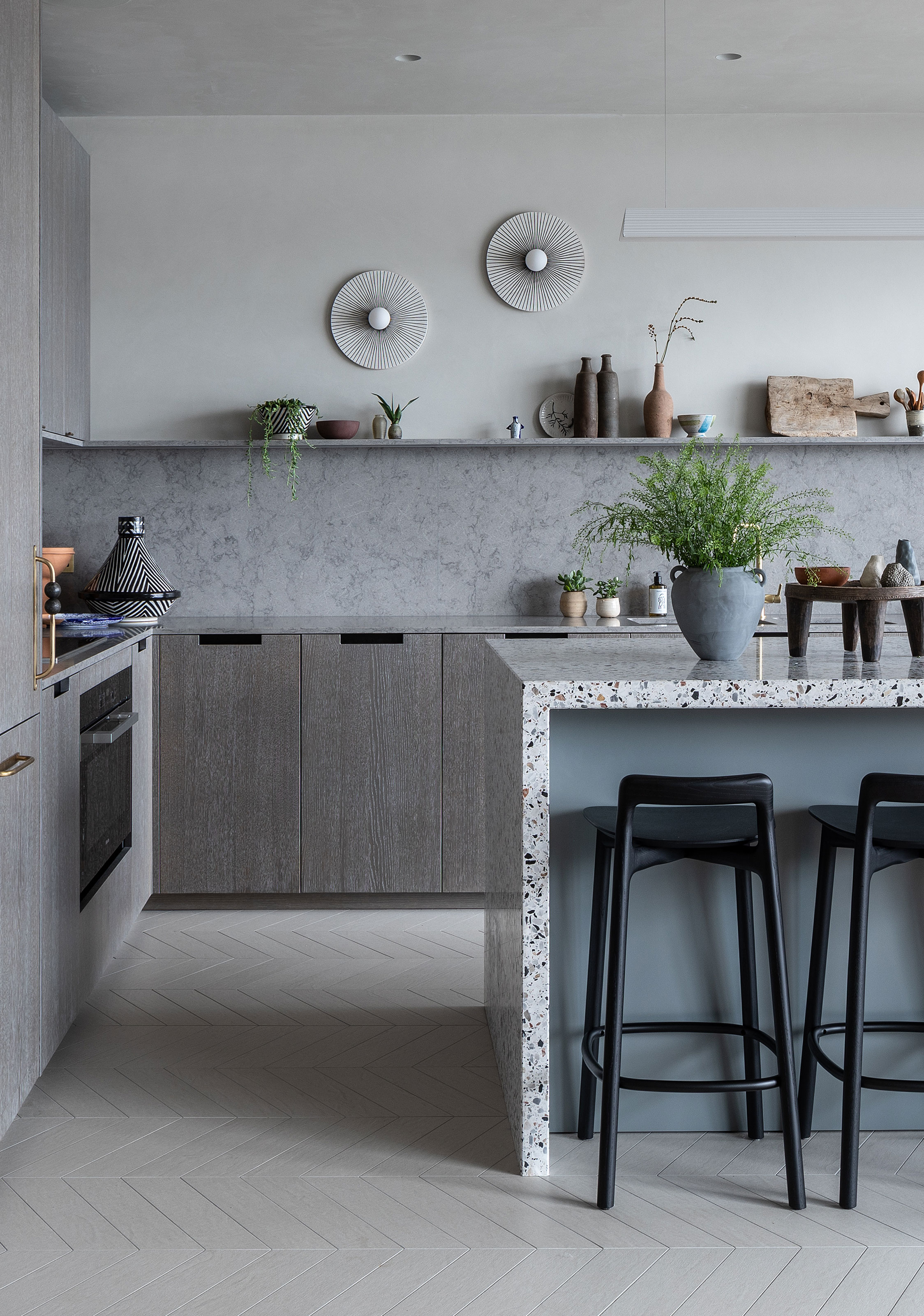
Credit: www.livingetc.com
Benefits Of A Smart Kitchen
Setting up a smart kitchen brings many benefits. It makes cooking easier, faster, and more fun. Smart tools help manage tasks and save energy. These advantages improve daily life in the kitchen.
Saving Time And Effort
Smart kitchens automate simple tasks. Appliances can start or stop remotely. Timers and alerts keep you on track. You spend less time watching food cook. Meal prep becomes quicker and less stressful.
Enhancing Cooking Experience
Smart devices give step-by-step recipe help. Voice control lets you operate hands-free. You can adjust settings with a phone app. Cooking turns into a smooth and enjoyable activity. It helps both beginners and experts.
Improving Energy Efficiency
Smart appliances use energy only when needed. Sensors detect when devices are idle. This reduces electricity waste and lowers bills. You protect the environment by saving power. Smart kitchens promote a greener lifestyle.
Essential Smart Kitchen Devices
Setting up a smart kitchen starts with choosing the right devices. These tools bring ease and efficiency. They help save time and reduce waste. Each device connects to your home network. This connection allows you to control them remotely. They also often include helpful features like alerts and automation. Below are some essential smart kitchen devices to consider.
Smart Refrigerators
Smart refrigerators do more than keep food cold. They track your groceries and send reminders. Some models have touch screens for recipes and notes. You can check the fridge contents from your phone. Energy-efficient settings help reduce electricity use. These fridges often connect with other smart kitchen gadgets.
Connected Ovens And Microwaves
Connected ovens and microwaves allow remote control via apps. You can preheat your oven on the way home. Timers and cooking programs make meal prep easier. Some devices have cameras to monitor cooking progress. They help avoid overcooking or burning food. Voice commands often work with these appliances.
Voice-controlled Assistants
Voice-controlled assistants help hands-free in the kitchen. They set timers and convert measurements quickly. You can ask for recipes or add items to shopping lists. These devices connect with other smart kitchen tools. Voice commands make multitasking simpler and safer. They also provide news and weather updates.
Smart Lighting And Plugs
Smart lighting creates the perfect kitchen atmosphere. You can adjust brightness and color for different tasks. Smart plugs control non-smart devices remotely. Schedule lights and appliances to save energy. These systems improve safety by turning off devices automatically. They integrate well with voice assistants for easy control.
Choosing The Right Connectivity
Choosing the right connectivity is key to building a smart kitchen setup. The way devices connect affects how well they work together. It also impacts your kitchen’s convenience and safety. Picking the right connection type helps avoid problems later. It keeps your devices running smoothly.
Wi-fi Vs Bluetooth
Wi-Fi connects devices over a home network. It covers a larger area and supports many devices at once. It is good for devices that need constant internet access. Bluetooth links devices directly over short distances. It uses less energy and is simple to set up. Bluetooth works well for gadgets close to each other. Choose Wi-Fi for more range. Choose Bluetooth for simple, local connections.
Compatibility With Existing Devices
Check if new devices work with what you already own. Some smart devices only work with certain brands or systems. Using compatible devices avoids connection problems. It saves money by not needing extra hubs or adapters. Make a list of your current smart gadgets. Verify the new device supports those platforms. This step creates a smooth smart kitchen experience.
Security Considerations
Smart kitchens use internet connections that can be vulnerable. Protect your devices with strong passwords and software updates. Avoid default passwords, as they are easy to guess. Use encrypted connections to keep data safe. Be cautious about what devices you add to your network. Secure connectivity helps keep your smart kitchen private and safe.
Setting Up Your Smart Kitchen Network
Setting up a smart kitchen network is the first step toward a connected cooking space. A strong network keeps all devices working smoothly. It ensures faster responses and fewer interruptions. This section covers key tips for a solid smart kitchen network.
Optimizing Router Placement
Place your router in a central kitchen spot. Avoid walls and metal objects that block signals. Higher locations often improve coverage. Keep the router away from microwaves and cordless phones. These devices can cause interference. A clear signal helps smart gadgets stay connected.
Managing Device Connections
Limit the number of devices on your network. Too many devices slow down internet speed. Assign each device a unique name for easy management. Regularly update device software to fix bugs. Disconnect unused gadgets to free up bandwidth. A clean network runs more efficiently.
Using Smart Hubs
Smart hubs connect multiple devices under one system. They simplify control by linking appliances and sensors. Choose a hub compatible with your kitchen devices. Use hubs to automate tasks like turning on lights or adjusting temperature. They reduce network clutter and improve device performance.
Integrating Smart Appliances
Integrating smart appliances is a key step in building a smart kitchen. These devices bring convenience and efficiency to daily cooking tasks. Connecting appliances like smart ovens, refrigerators, and coffee makers creates a seamless kitchen experience.
Smart appliances work best when they communicate with each other. This connection helps automate tasks and save time. Setting up these devices correctly ensures your kitchen runs smoothly.
Pairing Devices With Apps
Start by downloading the official app for each smart appliance. These apps allow control and monitoring from your phone. Follow the instructions to connect devices to your home Wi-Fi network.
Keep devices close to your router during setup. This improves connection stability. Enter any required codes or scan QR codes to pair devices easily.
Once paired, check for firmware updates. Updates improve device performance and security. Update apps regularly to access new features.
Creating Automation Routines
Automation routines link multiple devices to work together. For example, set your coffee maker to start when your smart light turns on. Use app features to create these routines.
Choose triggers like time of day or device status. Then select the actions each device should perform. Test routines to ensure they work as expected.
Automation saves time and reduces manual tasks. Customize routines to fit your daily kitchen habits. Adjust settings anytime through the apps.
Troubleshooting Common Issues
Connection problems often cause smart appliance issues. Restart your router and devices to fix many errors. Ensure devices are within Wi-Fi range.
Check app permissions and network settings if pairing fails. Reset devices to factory settings as a last resort. Contact customer support for persistent problems.
Keep apps and device firmware updated to prevent bugs. Regular maintenance keeps your smart kitchen running smoothly.
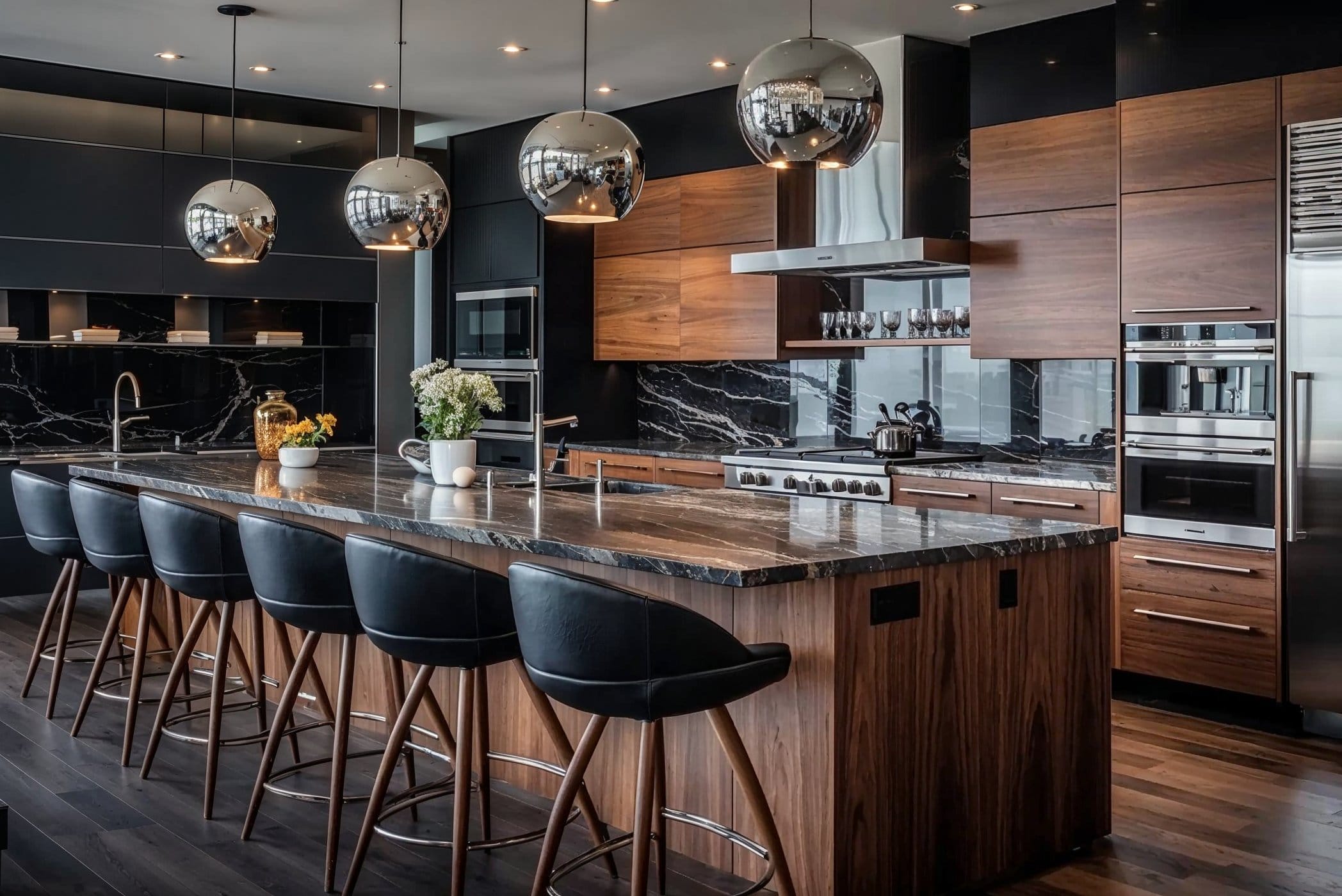
Credit: www.decorilla.com
Budgeting For Your Smart Kitchen
Setting up a smart kitchen can be exciting but needs careful budgeting. Planning your expenses helps avoid overspending and keeps your goals clear. A budget guides your choices and ensures you buy useful devices that fit your needs.
Think about what you want from your smart kitchen. Prioritize devices that make cooking easier or save time. This focus helps control costs and brings real benefits to your daily routine.
Prioritizing Essential Devices
Start with devices that improve safety and convenience. Smart lights, a smart speaker, and a connected coffee maker are good first buys. These devices are affordable and add value quickly. Avoid buying many gadgets at once. Pick a few that fit your budget and lifestyle.
Cost Vs Benefits Analysis
Look at the price and benefits of each device. Choose items that save time or reduce energy bills. For example, a smart thermostat controls kitchen temperature and cuts costs. Check if the device lasts long and works well with others. Avoid expensive gadgets that offer little practical use.
Finding Deals And Discounts
Search for sales, coupons, and bundle offers. Many stores discount smart devices during holidays and special events. Check online marketplaces and official brand websites. Signing up for newsletters can give early access to promotions. Buying during deals helps build a smart kitchen without breaking the bank.
Maintaining And Updating Your Setup
Maintaining and updating your smart kitchen setup keeps everything running smoothly. Regular care protects your devices and improves their lifespan. Smart kitchens need attention to software and hardware to stay efficient and useful.
Regular Software Updates
Smart kitchen devices often get new software updates. These updates fix bugs and add new features. Check for updates weekly or monthly. Use the device’s app or settings menu to update. Keeping software current improves security and performance.
Cleaning And Care Tips
Clean your smart devices gently. Use a soft cloth to avoid scratches. Avoid water near electrical parts. Remove dust and food particles regularly. Proper care prevents damage and keeps devices working well. Follow the manufacturer’s cleaning instructions for best results.
Expanding Your Smart Kitchen Over Time
Start small and add devices as needed. Add smart lights, speakers, or appliances gradually. Choose gadgets that work well together. Expanding slowly helps avoid overwhelm and extra costs. New devices can improve convenience and cooking quality.

Credit: www.hdlautomation.com
Frequently Asked Questions
What Basic Devices Do I Need For A Smart Kitchen?
Start with a smart fridge, smart oven, and voice-controlled assistant for easy control.
How Can I Control Smart Kitchen Devices Remotely?
Use smartphone apps or voice commands through smart assistants to manage devices from anywhere.
Is It Expensive To Set Up A Smart Kitchen?
Costs vary; start small with key devices and expand as your budget allows.
How Does A Smart Kitchen Improve Cooking Efficiency?
Smart devices help with timers, recipes, and automation, saving time and reducing mistakes.
Conclusion
Starting a smart kitchen can make cooking easier and more fun. Choose devices that fit your needs and budget. Connect them to work together smoothly. Keep your setup simple at first, then add more tools later. Learn how each gadget helps in daily tasks.
Enjoy saving time and energy in the kitchen. A smart kitchen brings comfort and convenience to your home. Take small steps and enjoy the process. Your kitchen will become more efficient and enjoyable.