Your travel devices are more than just gadgets—they’re your connection to the world, your source of entertainment, and your tool for capturing memories. But scratches can quickly ruin their look and even affect their performance.
Imagine pulling out your phone or tablet, only to find unsightly marks that distract you or make you worry about damage. Wouldn’t it be great to keep your devices looking brand new, no matter where you go? You’ll discover simple, effective ways to prevent scratches on your travel devices.
Keep reading to protect your gear and enjoy peace of mind on every trip.
Choose Durable Cases
Choosing a durable case is key to keeping travel devices safe. A strong case guards against scratches and other damage. It helps your device stay new for longer. Picking the right case means thinking about materials and design. These two factors work together to protect your device well.
Materials That Resist Scratches
Some materials handle scratches better than others. Hard plastics like polycarbonate are tough and resist marks. Silicone cases offer a soft surface that absorbs minor scratches. TPU blends combine flexibility and strength for good protection. Leather cases may show wear but resist deep scratches. Choosing the right material depends on how you use your device.
Impact Of Case Design On Protection
A case’s design affects how well it protects. Raised edges keep the screen and camera off flat surfaces. Textured surfaces help prevent slips that cause drops. Slim cases fit easily in pockets and bags without adding bulk. Some cases have reinforced corners to absorb shocks. Designs with snug fits stop dirt and dust from scratching the device.

Credit: www.amazon.com
Apply Screen Protectors
Applying screen protectors is a simple way to keep your travel devices safe. These protectors guard against scratches and cracks. They help maintain your device’s look and value. Carrying devices during travel can cause accidental damage. Screen protectors act as a shield, absorbing impacts and preventing marks.
Types Of Screen Protectors
There are several types of screen protectors. Plastic film protectors are thin and flexible. They protect against light scratches but may not guard well against drops.
Tempered glass protectors are thicker and stronger. They offer better protection from scratches and impacts. Tempered glass feels smoother and looks clearer than plastic.
Matte screen protectors reduce glare and fingerprints. They can help with visibility in bright light but may slightly reduce screen sharpness.
Proper Installation Techniques
Clean the screen fully before applying the protector. Use a microfiber cloth to remove dust and oils. Dust can create bubbles under the protector.
Align the protector carefully with your device’s edges. Start applying from one side and slowly lay it down. Press out air bubbles with a card or finger.
Take your time to avoid mistakes. A well-installed protector looks clear and smooth. It protects better and lasts longer.
Use Protective Sleeves And Bags
Protective sleeves and bags keep travel devices safe from scratches. They act as a barrier between your device and rough surfaces. These accessories also protect devices from minor drops and bumps. Using them ensures your gadgets look new longer. Carrying devices in sleeves or bags reduces damage risks during travel.
Benefits Of Padded Sleeves
Padded sleeves offer soft cushioning for devices. They absorb shocks and prevent scratches from keys or coins. Sleeves fit snugly around devices, stopping movement inside bags. Many sleeves use water-resistant materials for extra protection. They are lightweight and easy to carry. Padded sleeves keep devices clean and scratch-free.
Selecting The Right Travel Bag
Choose travel bags with separate compartments for devices. Look for bags with soft linings to avoid scratches. Bags with padding provide extra safety during travel. Size matters: bags should hold devices without too much space. Straps and handles must be strong for easy carrying. Good bags protect devices from dust and impacts.
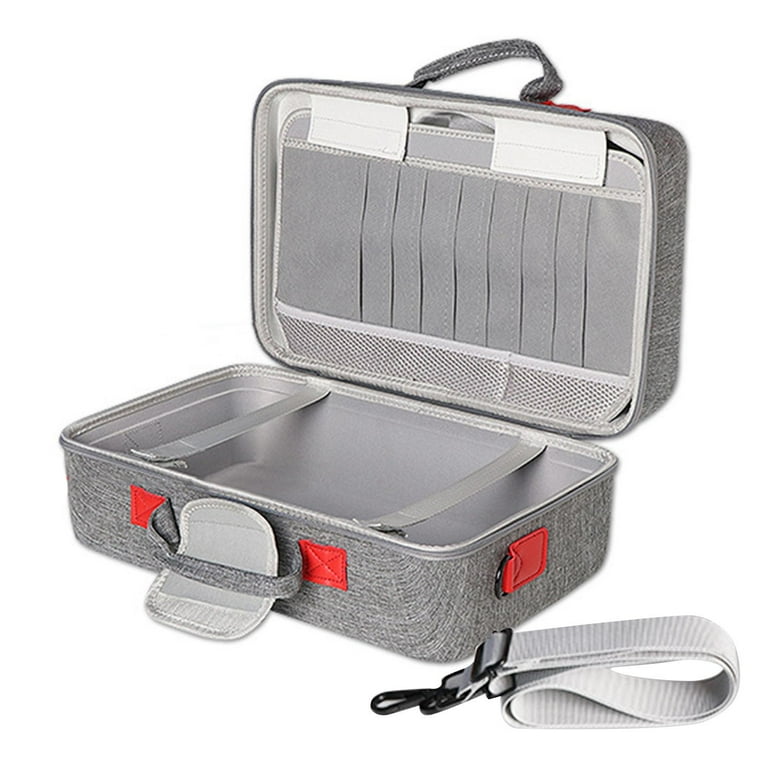
Credit: www.walmart.com
Store Devices Separately
Storing travel devices separately helps protect them from scratches and damage. Keeping gadgets apart stops them from rubbing against each other. This simple habit extends the life of your devices and keeps them looking new.
Avoiding Contact With Hard Objects
Hard objects can scratch your device screens and bodies. Avoid placing phones, tablets, or cameras near keys, coins, or chargers. Use soft pouches or cases to create a barrier. This prevents direct contact with rough materials that cause scratches.
Organizing Travel Gear For Safety
Organize your travel gear to keep devices safe. Use dedicated compartments in bags or backpacks. Place devices in padded sleeves for extra protection. Keep each item in its own space to avoid bumps and scratches. A neat arrangement makes it easy to find devices too.
Handle Devices With Care
Handling travel devices with care is key to keeping them scratch-free. Simple habits protect screens and surfaces from damage. Careful handling extends device life and keeps them looking new.
Safe Handling Practices
Hold devices firmly but gently. Avoid gripping too tight or dropping them. Use both hands when possible to keep steady. Place devices on soft, clean surfaces only. Clean hands before touching screens to prevent dirt buildup.
Avoiding Risky Situations
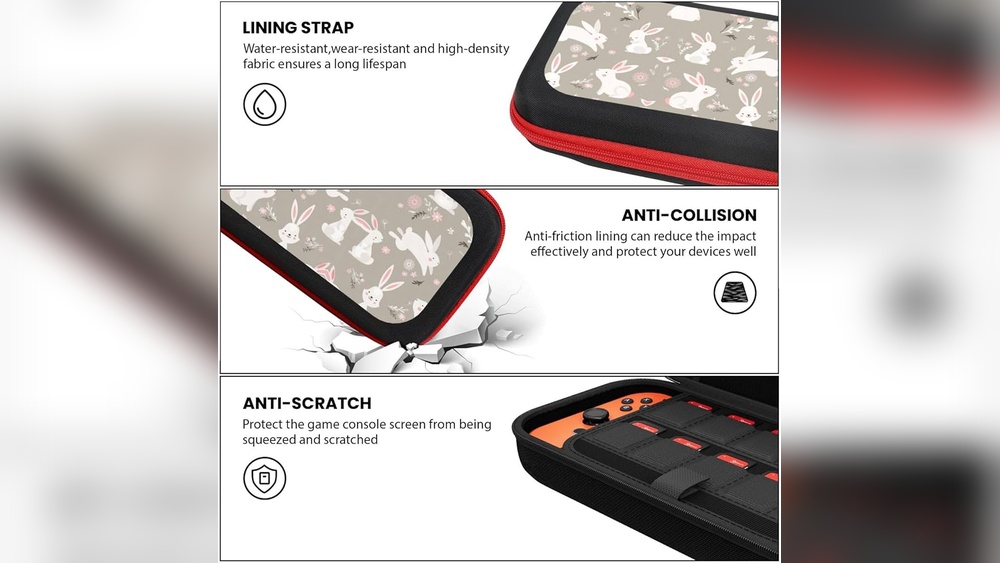
Keep devices away from sharp objects like keys or coins. Don’t put devices in pockets with rough items. Avoid placing devices on uneven or dirty surfaces. Stay cautious in crowded places to prevent bumps or falls. Store devices in protective cases during travel.
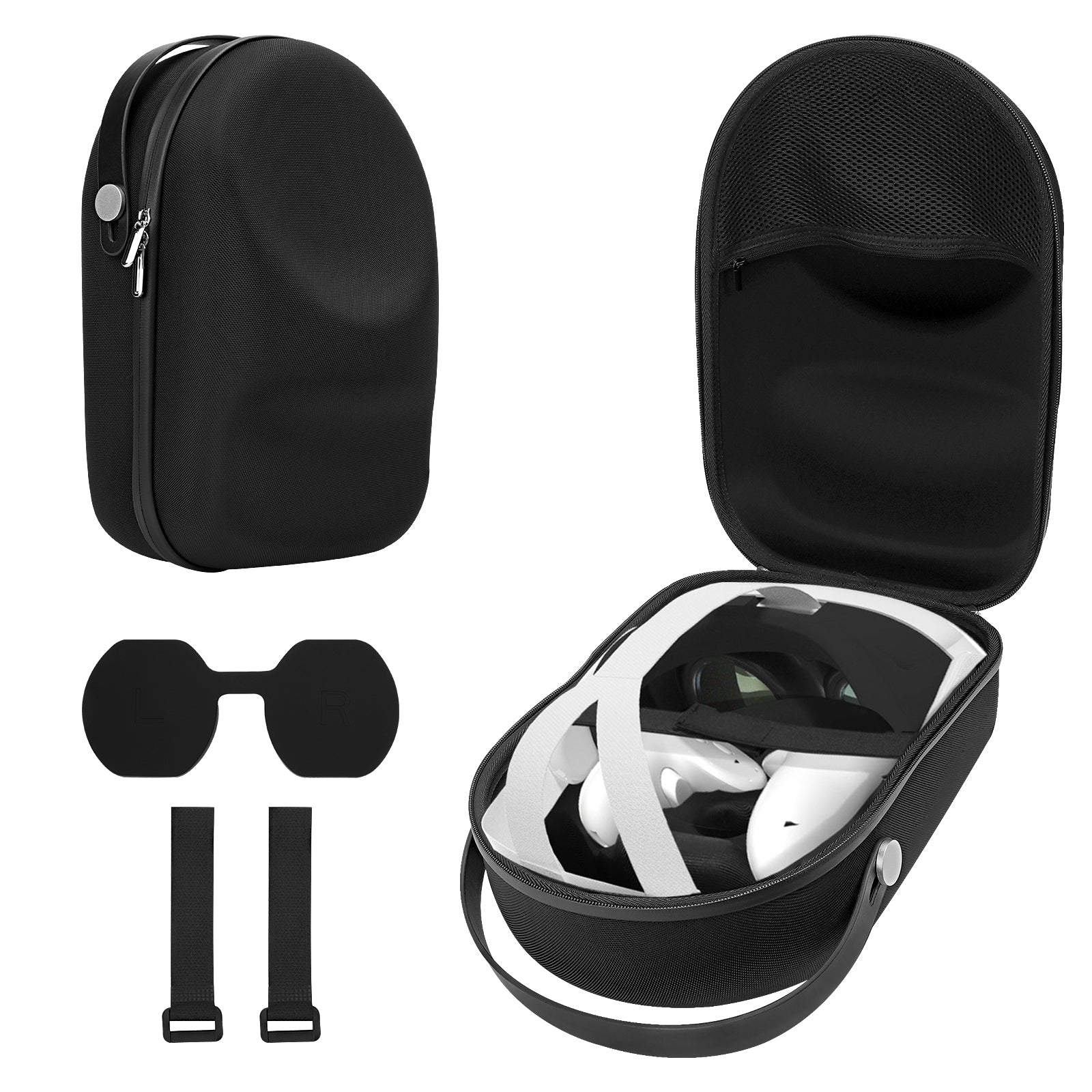
Credit: shop.geekria.com
Regular Cleaning And Maintenance
Regular cleaning and maintenance keep travel devices in good shape. Dirt and dust can cause tiny scratches. Cleaning often helps avoid this damage. Careful maintenance also extends device life. It keeps surfaces smooth and scratch-free.
Safe Cleaning Materials
Use soft, lint-free cloths for cleaning. Microfiber cloths work best. Avoid paper towels or rough fabrics. These materials can scratch surfaces. Use gentle cleaning solutions made for electronics. Never apply liquid directly on devices. Spray the cloth lightly instead. This method protects your device from moisture damage.
Preventing Surface Damage
Clean devices in a dust-free place. Avoid rubbing hard or fast. Use gentle circular motions to remove dirt. Check device corners and edges carefully. These areas often collect grime and cause scratches. Store devices in protective cases after cleaning. This simple step keeps surfaces safe during travel.
Consider Additional Accessories
Protecting travel devices from scratches is key to keeping them in good shape. Accessories designed for protection can help a lot. These small tools guard sensitive parts and keep dirt away. They add a strong layer of defense without making devices bulky. Using the right accessories makes traveling worry-free and keeps devices looking new longer.
Using Lens Caps And Port Covers
Lens caps shield camera lenses from dust and scratches. They fit snugly and prevent damage during transport. Port covers close open ports on devices. They stop dirt and moisture from entering. Using these covers reduces repair costs and keeps devices working well. They are cheap and easy to carry in any travel bag.
Adding Extra Protective Layers
Screen protectors guard screens against scratches and cracks. They act like a clear shield over displays. Protective skins or wraps cover device bodies to avoid scratches. These layers add grip and reduce slips. Using extra layers extends device life. They keep devices clean and smooth despite rough handling.
Frequently Asked Questions
How Can I Protect My Travel Devices From Scratches?
Use protective cases and screen protectors for your devices. Keep them in padded bags to avoid friction and bumps.
What Materials Help Prevent Scratches On Device Screens?
Tempered glass and plastic screen protectors guard against scratches. These materials add a strong, clear layer to your screen.
How Should I Store Devices During Travel To Avoid Damage?
Store devices separately in soft pouches or compartments. Avoid placing them with sharp or heavy objects.
Can Cleaning Devices Prevent Scratches During Travel?
Yes, regular cleaning removes dust and grit that cause scratches. Use a soft cloth and gentle cleaning solution.
Are There Travel Accessories That Reduce Device Scratches?
Yes, padded sleeves, hard cases, and zippered pouches reduce scratches. Choose accessories designed to fit your device snugly.
Conclusion
Protecting your travel devices from scratches takes some care and smart choices. Use cases and screen protectors to keep surfaces safe. Store devices in separate compartments or soft pouches. Avoid putting them with sharp objects like keys. Regular cleaning also helps maintain their look.
Small actions can save your devices from damage. Keep these tips in mind for stress-free travel. Your devices will stay looking new and work well longer. Simple steps make a big difference on every trip.