Have you ever felt your phone or laptop get too hot while traveling? Overheating can cause your devices to slow down, shut off, or even get damaged.
You rely on your electronics to stay connected, capture memories, and navigate new places. So, keeping them cool is not just a smart move—it’s essential. You’ll discover simple and effective tips to prevent your gadgets from overheating on trips. Keep reading to protect your electronics and enjoy a smoother, stress-free travel experience.
Causes Of Electronics Overheating
Electronics often overheat during trips due to several reasons. Understanding these causes helps prevent damage and keeps devices working well. Heat affects performance and battery life. Identifying what causes heat buildup is the first step to protection.
Common Heat Sources
Battery charging generates heat inside devices. Processors work hard and produce warmth during use. Screens also add to the heat, especially at high brightness. Carrying devices in tight spaces restricts airflow, causing heat to trap. Power adapters and other accessories emit heat nearby.
Impact Of Environment
High temperatures outdoors increase device heat quickly. Direct sunlight heats surfaces and electronic parts. Humid air reduces cooling efficiency. Dust and dirt block vents and fans, stopping proper airflow. Hot cars or rooms make it harder for devices to cool down.
Device Usage Patterns
Running multiple apps or heavy programs raises device temperature. Continuous video streaming or gaming pushes processors hard. Charging while using the device doubles heat production. Using devices on soft surfaces blocks vents. Long usage without breaks prevents devices from cooling.
Pre-trip Preparation
Preparing your electronics before a trip helps avoid overheating problems. Proper preparation keeps devices cool and working well. Simple steps can protect your gear and make your trip smooth.
Cleaning Vents And Ports
Dust blocks vents and stops air flow. Use a soft brush or air blower to clean vents and ports. Clear pathways let heat escape. Clean devices regularly before packing them.
Choosing The Right Gear
Pick devices designed for travel and heat resistance. Use cases with good ventilation. Avoid heavy covers that trap heat. Lightweight gear cools faster and lasts longer on trips.
Updating Software And Firmware
Update your device software before travel. Updates fix bugs that cause overheating. Firmware updates improve device cooling and performance. Keep devices current to reduce heat issues.
Smart Packing Techniques
Packing your electronics for a trip needs smart planning. Proper packing helps stop your devices from getting too hot. Overheating can damage gadgets or shorten their life. Using smart packing techniques can keep your electronics safe and cool. These simple steps make a big difference during travel.
Avoiding Direct Sunlight
Keep your devices out of direct sunlight. Sunlight heats up devices fast. Do not leave phones or tablets on the car dashboard. Store gadgets in shaded parts of your bag. This prevents extra heat from building up. A cool place keeps your electronics working well.
Using Protective Cases
Use cases designed to protect against heat. Some cases have cooling features or better airflow. Avoid thick covers that trap heat inside. Lightweight, ventilated cases help your device breathe. Cases also protect against bumps and drops. Choose one that fits your device perfectly.
Separating Devices
Do not pack devices tightly together. Electronics close to each other create extra heat. Keep phones, tablets, and chargers in separate compartments. Use padded dividers or small pouches inside your bag. This keeps air flowing around each device. It lowers the risk of overheating during travel.
On-the-go Cooling Hacks
Keeping your electronics cool during trips is important. Overheating can cause devices to slow down or stop working. Using simple cooling hacks helps protect your gadgets. These tips are easy to follow while on the move.
Taking Breaks From Use
Turn off your devices regularly. Give them time to cool down. Avoid using heavy apps for long periods. Short breaks reduce heat buildup. Resting your electronics extends their lifespan. It also keeps them running smoothly.
Using Portable Fans And Coolers
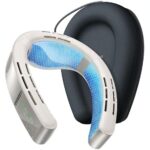
Carry small fans or cooling pads. They provide extra airflow to your devices. Battery-operated fans are handy and light. Place coolers under laptops or tablets. These tools help lower device temperature quickly. They work well in warm places.
Optimizing Device Settings
Lower screen brightness to save power. Close apps running in the background. Use battery saver mode if available. Turn off Bluetooth and Wi-Fi when not needed. These settings reduce device stress. Cooler devices perform better and last longer.
Charging Tips To Reduce Heat
Charging your electronics on trips can cause extra heat. This heat may harm your device or reduce its battery life. Follow these charging tips to keep your devices cool and safe during your travels.
Using Certified Chargers
Always use certified chargers for your devices. Certified chargers match the device’s power needs and avoid overheating. Cheap or fake chargers may deliver wrong voltage. This can cause your device to heat up or get damaged.
Avoiding Charging During Use
Do not use your device while charging. Using apps or games increases the device’s temperature. Charging and using at the same time add extra heat. Let your device rest while charging to reduce heat build-up.
Removing Cases While Charging
Remove phone or tablet cases before charging. Cases trap heat and stop cooling. Without a case, heat escapes easily. This keeps your device cooler and protects the battery.
Handling Overheated Devices
Handling overheated devices during trips is important to keep your electronics safe. Heat can cause damage and stop devices from working. Knowing how to cool them down safely is key. Follow these tips to protect your gadgets on the go.
Safe Cooling Methods
Turn off the device and unplug it from power. Move it to a cooler, shaded spot away from direct sunlight. Use a fan or air conditioner to help lower the temperature. Avoid placing the device in the fridge or freezer. Sudden cold can cause moisture and harm the electronics.
When To Power Down
Power down your device if it feels too hot to touch. Shut it off immediately to stop further heating. Wait until it cools down to room temperature before using it again. Restarting too soon may cause permanent damage. Always listen to warning signs like slow performance or screen flickering.
Avoiding Damage
Keep devices away from heat sources such as car dashboards or direct sunlight. Use protective cases that allow air flow. Avoid charging devices in hot places. Regularly clean vents and fans to prevent dust buildup. These steps help keep your electronics safe and working longer during trips.
Long-term Care For Electronics
Taking care of your electronics over time helps them stay cool and work well. Long-term care reduces the risk of overheating during trips. It also extends the life of your devices. Simple habits can make a big difference.
Focus on regular upkeep, keep an eye on battery health, and consider upgrading parts when needed. These steps protect your devices from heat damage and improve performance.
Regular Maintenance
Clean your devices often to remove dust and dirt. Dust blocks vents and traps heat. Use a soft brush or cloth. Avoid wet cleaning methods that can harm electronics. Keep fans and cooling pads free from debris. Regular checks prevent overheating issues before they start.
Monitoring Battery Health
Batteries can overheat if they are old or damaged. Check battery health with built-in tools or apps. Replace batteries showing signs of swelling or poor charge. Avoid leaving devices plugged in all the time. Balanced battery care helps keep devices cool and safe.
Upgrading Hardware
Old hardware can cause devices to overheat. Upgrade parts like cooling fans or thermal paste if possible. Newer components often run cooler and use less power. Improved hardware helps devices handle long trips better. Keep your electronics updated to reduce heat risks.
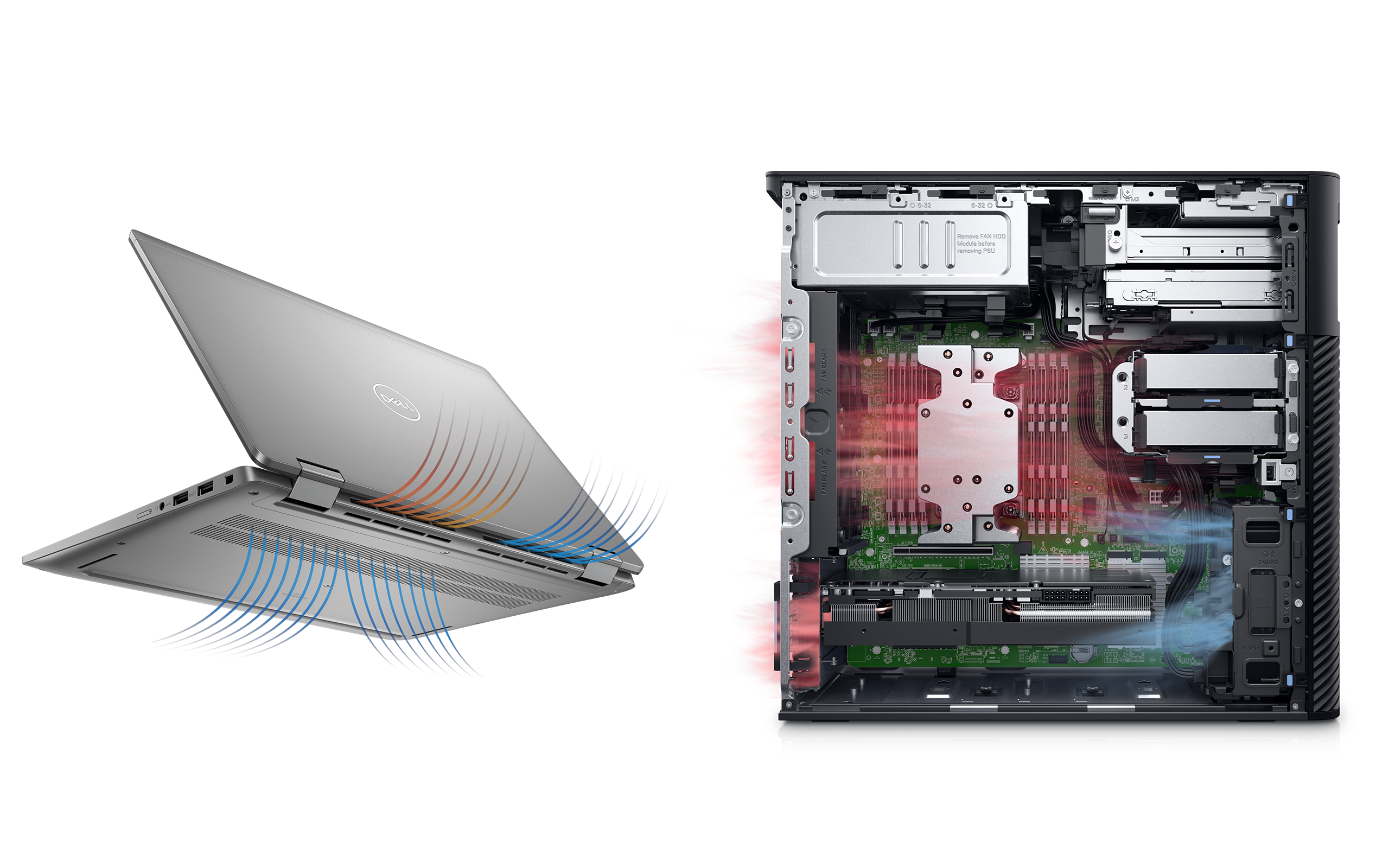
Credit: www.dell.com
Frequently Asked Questions
How Can I Stop My Electronics From Overheating On Trips?
Keep devices out of direct sunlight and avoid using them in hot places. Use cases with good airflow and take breaks to let devices cool down.
What Are Simple Ways To Cool Down Gadgets During Travel?
Turn off unused apps and lower screen brightness. Carry a small portable fan or cooling pad to help lower device temperature.
Why Do Electronics Overheat More Easily When Traveling?
Travel often means using devices in warm or confined spaces, which blocks airflow. Charging devices while using them can also increase heat.
Can Overheating Damage My Electronics On Trips?
Yes, heat can shorten battery life and harm internal parts. Protect gadgets by keeping them cool and avoiding long use without breaks.
Conclusion
Keeping your electronics cool during trips protects them from damage. Use shade and avoid direct sunlight to reduce heat. Turn off devices when not in use to save power and reduce heat. Carry portable fans or cooling pads for extra help.
Avoid charging devices in hot places. These small steps help your gadgets last longer. Enjoy your trip without worrying about overheating problems. Simple actions make a big difference in device safety. Stay cool, stay connected.